


Magical Drawing Studio
Paint, color, and create your masterpiece! Use magic pens, shapes, colors, and emojis to make amazing artwork. Save your drawings and show them to your friends!
More art activities
Try online coloring pages or trace-and-color — also free in your browser.
Five free drawing games for kids
Pick the kind of drawing that suits your child today. Every game runs in the browser on tablets, phones, and computers.
- Free drawingDrawing StudioA blank page with magic pens, shapes, a fill bucket, and emoji stamps.You are here
- NewDraw with friendsDraw TogetherUp to 6 kids draw on one picture in real time. No chat, just a private link.Play now →
- NewStep-by-step drawingDraw StepsWatch one stroke, copy it, then color it in. Numbers, letters, animals, and more.Play now →
- Online coloringPaint Canvas34 coloring pages to fill with a paint bucket or brush. No printing needed.Play now →
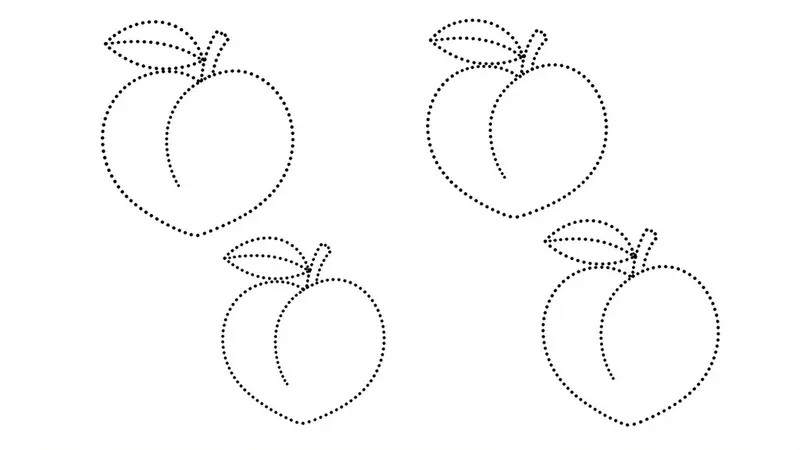
- Trace and colorPaint TraceTrace 17 fruit outlines, then color them in. Great for little hands.Play now →
Coloring collections
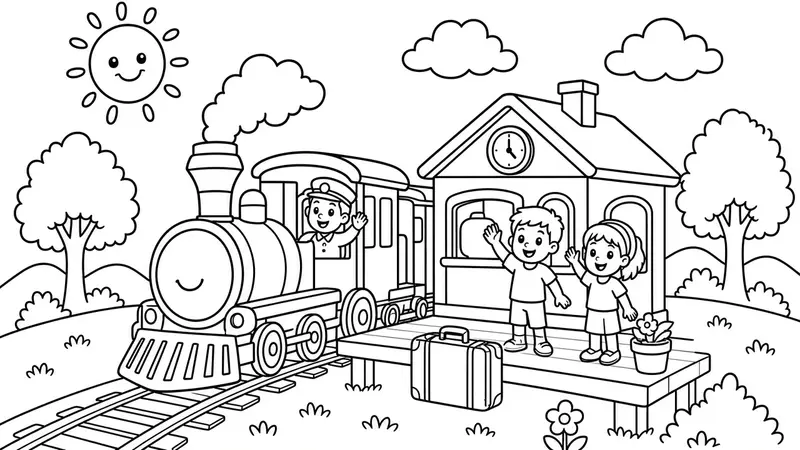
See allPaint Canvas


Paint Trace


Frequently Asked Questions
What are drawing games for kids?
Drawing games let children make pictures on screen instead of on paper. Some are free drawing, like the Drawing Studio. Others give a little structure: Draw Steps shows one stroke at a time to copy, Paint Canvas has coloring pages to fill in, Paint Trace has outlines to trace, and Draw Together lets friends draw on one picture.
Where can kids play free drawing games online?
Right here on TheKidPlay. All five drawing games are free, with no in-app purchases, and run in any web browser on a tablet, phone, Chromebook or computer. Kids can start drawing straight away: no download or account is needed.
Can kids play drawing games online with friends?
Yes. Draw Together gives up to 6 kids one shared canvas in real time, from different devices. There is no chat and no public room: you start a canvas and share its private link with family or friends.
Does the Drawing Studio work on a tablet, phone or Chromebook?
Yes. It runs in any modern browser on tablets, phones, Chromebooks and computers. Kids can draw with a finger, a stylus or a mouse.
Which drawing game should my child try first?
Ages 3–5 usually enjoy Paint Canvas and Paint Trace, because the outlines are already there. Ages 5–8 like Draw Steps, which teaches a picture one stroke at a time. Older kids who want a blank page can use the Drawing Studio, and Draw Together is best when friends or family want to join in.
What tools does the Drawing Studio have, and can we keep the picture?
The studio has a magic pen, rectangle, square and circle tools, a color fill bucket, an eraser, emoji stamps and a move tool, plus undo, redo, brush sizes and a color picker. Press Download to save the finished picture to your device.